
Using Claude in Your Rental Business
A plain-English guide for Airbnb and Vrbo hosts and co-hosts. Never used AI before? It starts from zero, then gives you 44 prompts to copy and paste.
Previews are reduced and watermarked. Inner pages are blurred below the heading.
Find, win, onboard and report to owners
The whole owner side of co-hosting: find owners, send the proposal, onboard the property, report every month, and pick the software to run it.
$59
Bought separately $93. You save $34.
Secure checkout by Stripe. Sales tax added at checkout. Instant download.
Questions first? Read the FAQ or email us.
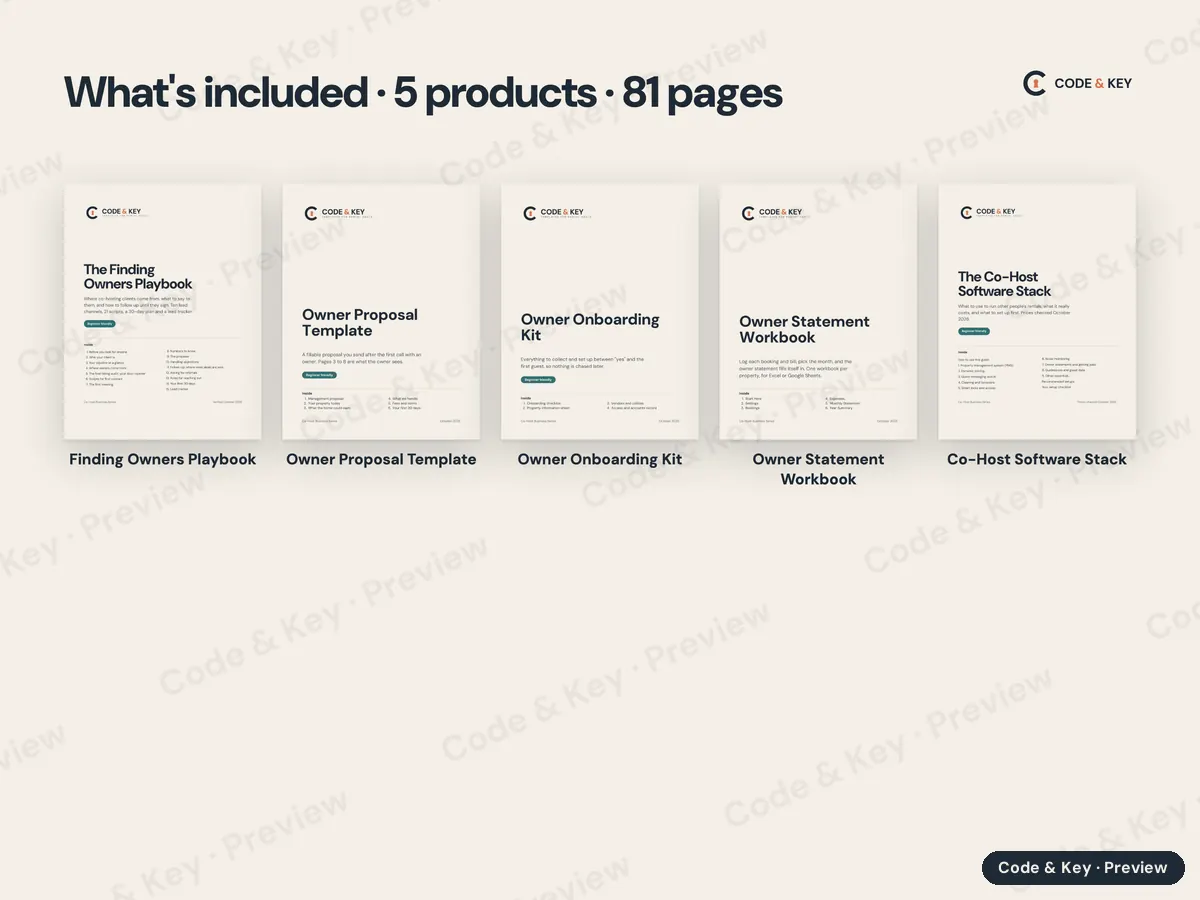
5 products in one order, every file on one download page. Each keeps its own pages, dates and instructions.
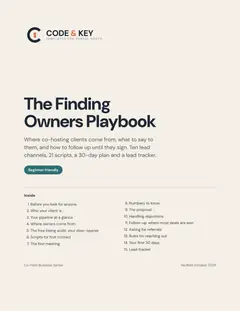 The Finding Owners PlaybookPDF guide · 19 pages
About an hour to read. The 30-day plan runs for a month.
$19
The Finding Owners PlaybookPDF guide · 19 pages
About an hour to read. The 30-day plan runs for a month.
$19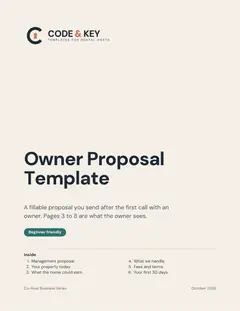 Owner Proposal TemplateFillable PDF · 16 pages
One to two hours for your first proposal, less after that.
$19
Owner Proposal TemplateFillable PDF · 16 pages
One to two hours for your first proposal, less after that.
$19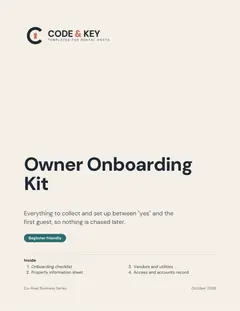 Owner Onboarding KitFillable PDF · 8 pages
About an hour with the owner, at the walkthrough or on a call.
$12
Owner Onboarding KitFillable PDF · 8 pages
About an hour with the owner, at the walkthrough or on a call.
$12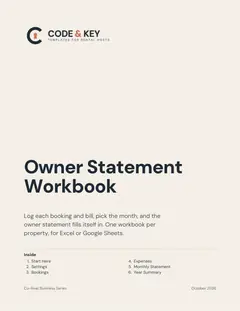 Owner Statement WorkbookSpreadsheet · 6 tabs
About 20 minutes to set up, then 20 to 40 minutes a month per property once you've done it twice.
$24
Owner Statement WorkbookSpreadsheet · 6 tabs
About 20 minutes to set up, then 20 to 40 minutes a month per property once you've done it twice.
$24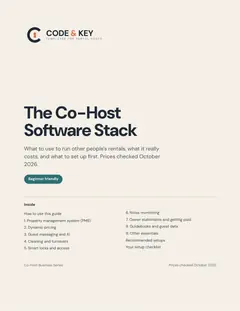 The Co-Host Software StackPDF guide · 10 pages
About 30 minutes to read; setting the tools up takes longer and depends on what you choose.
$19
The Co-Host Software StackPDF guide · 10 pages
About 30 minutes to read; setting the tools up takes longer and depends on what you choose.
$19Bought separately$93Bundle$59You save$34
More answers on the FAQ, or write to codeandkeyco@gmail.com.
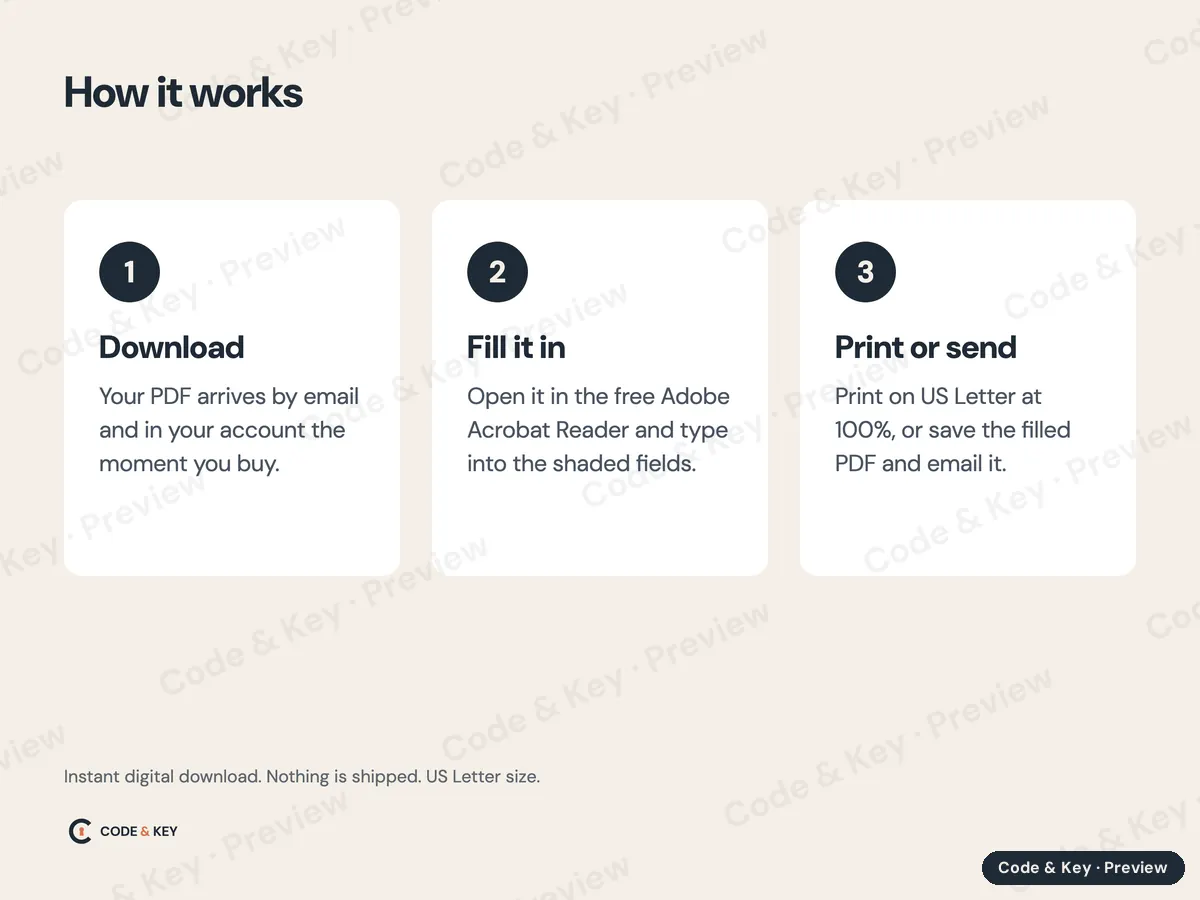
The workbook comes as an Excel file (.xlsx), with a beginner How to Use It guide (PDF) in the same download. To use it in Google Sheets instead:
Formulas, dropdown lists, colors and the yellow input cells carry over. Excel's sheet protection may not: if the formula cells aren't locked in your copy, type only in the yellow cells, or lock the rest with Data, then Protect sheets and ranges. The workbook's Start Here tab has the same directions.
A plain-English guide for Airbnb and Vrbo hosts and co-hosts. Never used AI before? It starts from zero, then gives you 44 prompts to copy and paste.
A website you own, your PMS connected, an income dashboard and a weekly routine that runs itself. Written for hosts, not programmers, with every step shown for Mac and Windows.
The Posting Pack and the Application Guide together: register the rental, then pass the inspection.
Bought separately $38You save $9