Previews are reduced and watermarked. Inner pages are blurred below the heading.
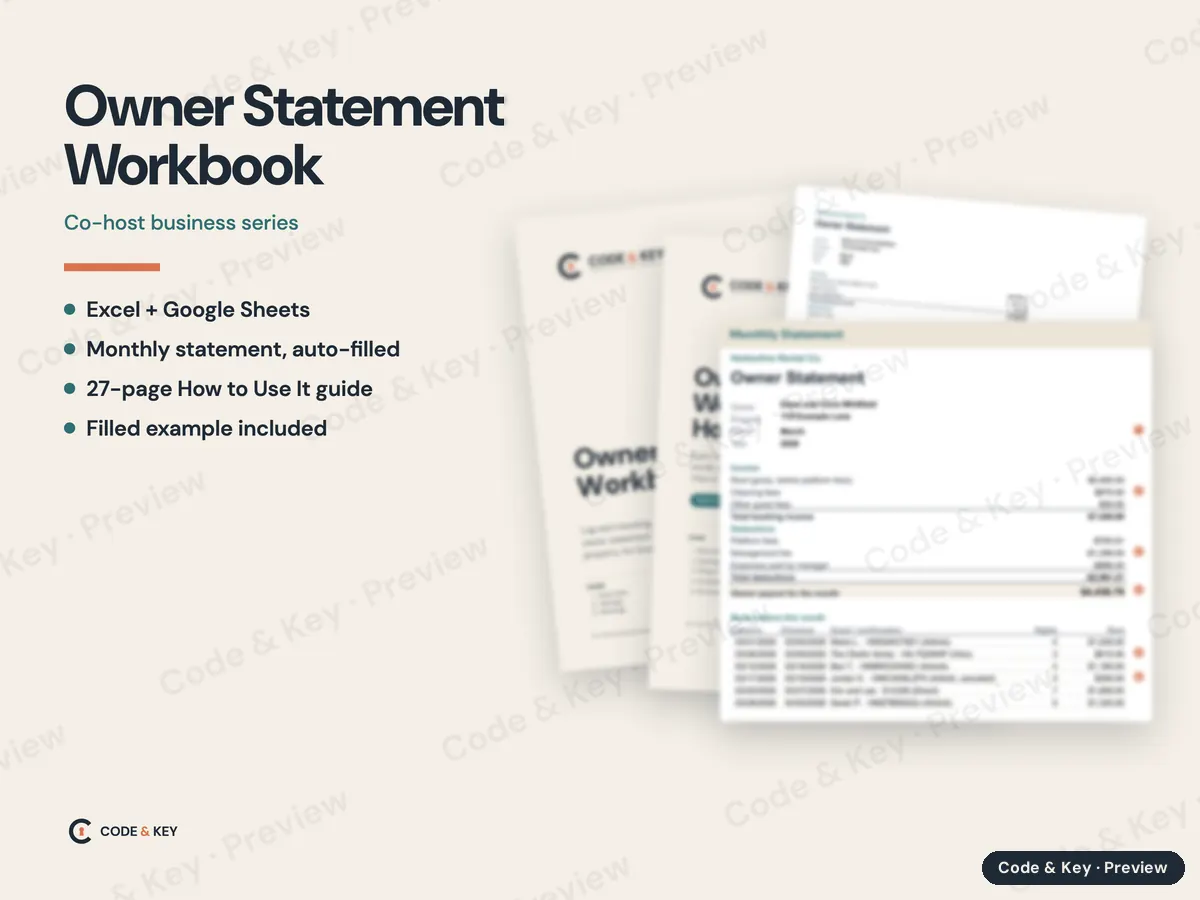
Owner Statement Workbook
Co-host business series
Paste your bookings in one step, add the bills, pick the month, and the owner statement fills itself in. One workbook per property, with a 27-page How to Use It guide.
Excel + Google Sheets
Monthly statement, auto-filled
27-page How to Use It guide
Filled example included
Beginner friendly
$24
Secure checkout by Stripe. Sales tax added at checkout. Instant download.
Settings: owner, property and your management fee, set once
Bookings: paste a month of stays from Airbnb, Vrbo or your PMS in one step; text dates and canceled stays that paid you are handled
Expenses: one row per bill, marked by who paid it
Monthly statement: income, fees, expenses and the owner's payout, ready to save as a PDF
Year summary for tax time
Works in Excel, Google Sheets and Apple Numbers
Owner Statement Workbook - How to Use It: a 27-page beginner guide (PDF) covering every tab and column, the payout math, and how to export reservations from Airbnb, Vrbo, Booking.com, Guesty, Hospitable, OwnerRez and Hostaway
A filled example workbook and a sample March statement PDF (owner payout $4,438.79)
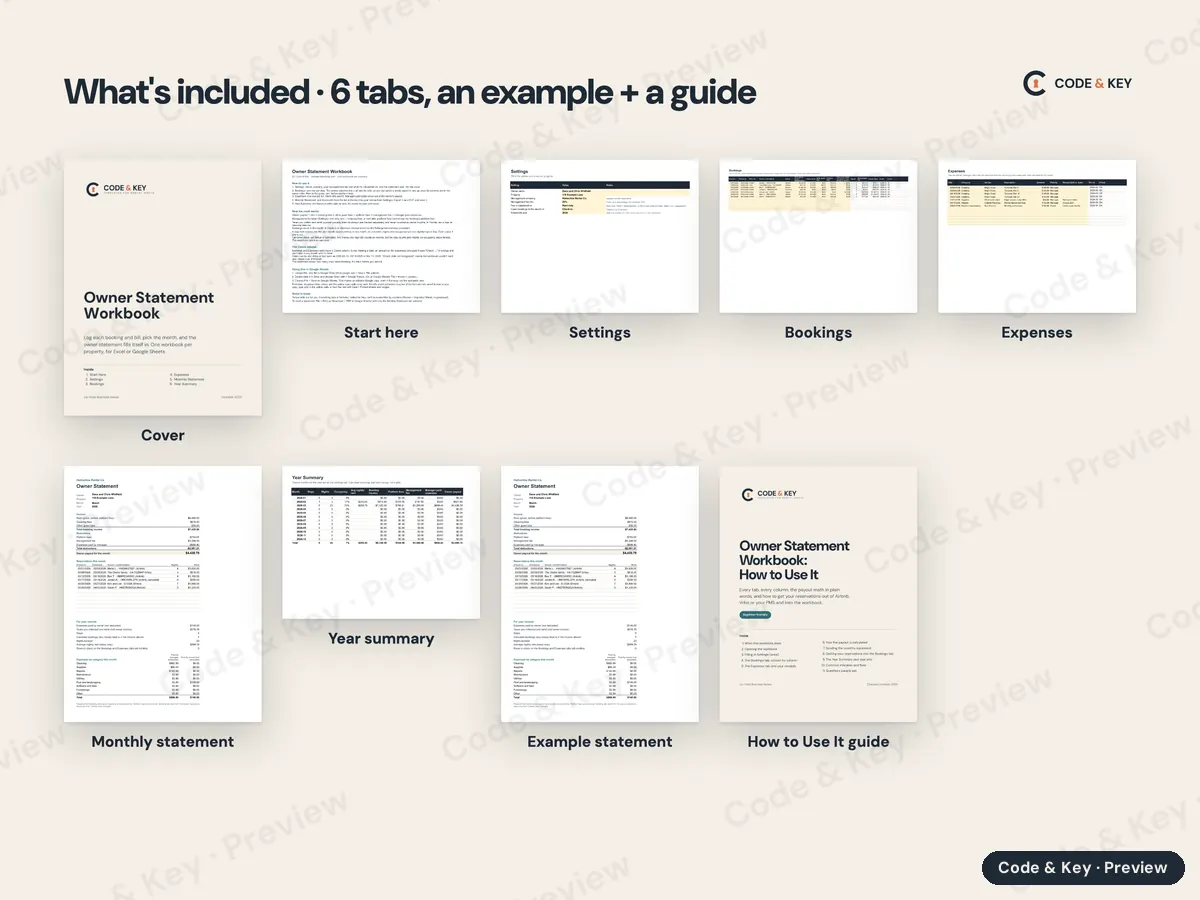
Every page
Cover
Start here
Settings
Bookings
Expenses
Monthly statement
Year summary
Example statement
How to Use It guide
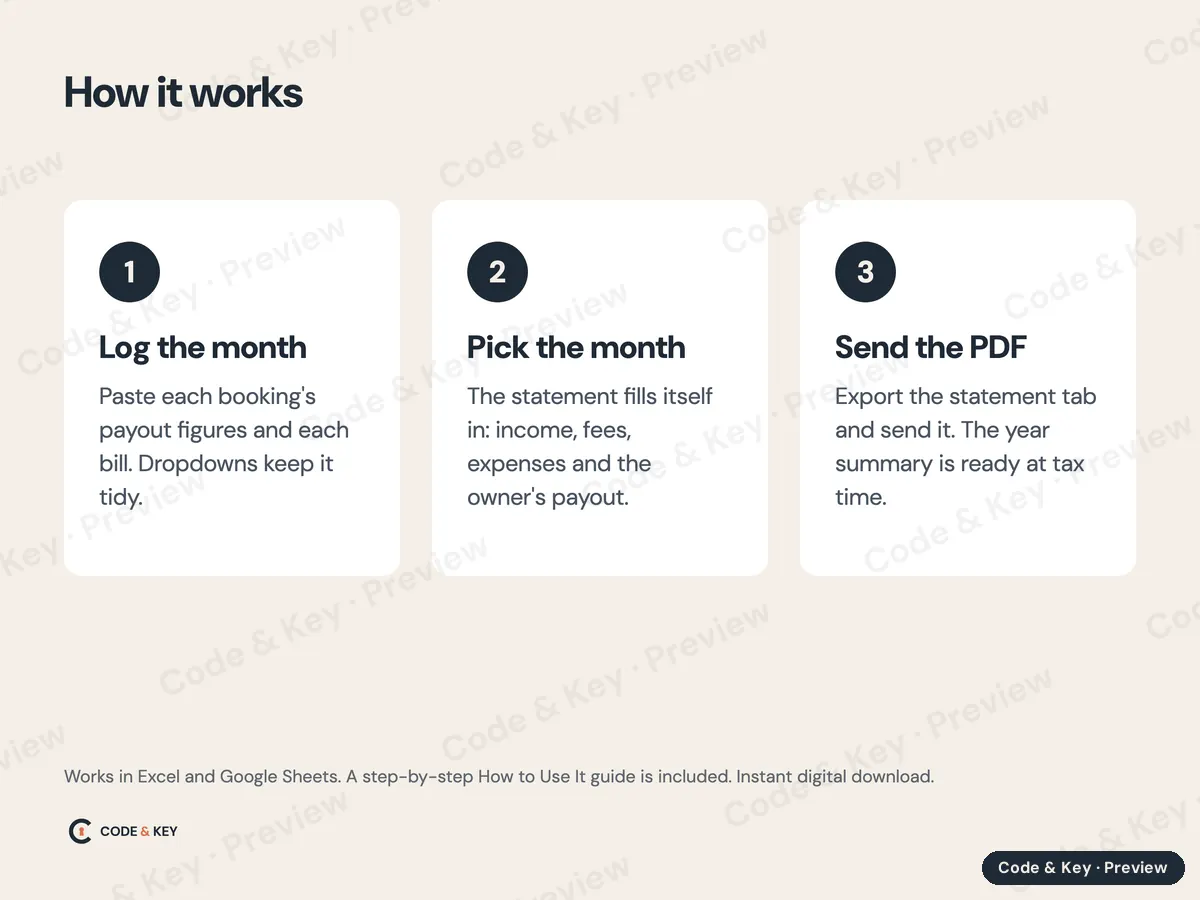
How it works
Log the monthPaste each booking's payout figures and each bill. Dropdowns keep it tidy.
Pick the monthThe statement fills itself in: income, fees, expenses and the owner's payout.
Send the PDFExport the statement tab and send it. The year summary is ready at tax time.
What to expect
What you get
Excel workbook (also opens in Google Sheets and Apple Numbers), How to Use It PDF guide, example workbook, sample statement PDF. Six tabs, one workbook per property. Licensed for one purchaser; please don't share or resell the files.
How you receive it
Instant download. Your links appear on the order page the moment you pay and arrive by email. Each link works for 72 hours and 5 downloads, and Resend my downloads emails fresh links to your purchase address any time. Nothing ships.
What you need
Any PDF reader on a computer, tablet or phone.
Microsoft Excel (Windows or Mac), Google Sheets, which is free, or Apple Numbers on a Mac. The How to Use It guide in the download walks you through it, and directions for Google Sheets are below.
How long it takes
About 20 minutes to set up, then 20 to 40 minutes a month per property once you've done it twice.
Who it's for
Co-hosts and managers who send owners a monthly statement.
Not for
Managers whose PMS already produces owner statements they're happy with. It's a bookkeeping template, not accounting software.
Kept current
Last updated October 2026. When a rule, price or menu changes, we update the file.
Refunds
If a file is wrong or won't work, we fix it or refund you. Bought the wrong one and haven't downloaded it? Ask within 14 days. Refund policy.
The workbook comes as an Excel file (.xlsx), with a beginner How to Use It guide (PDF) in the same download. To use it in Google Sheets instead:
Upload the .xlsx file to Google Drive (drive.google.com, then New, then File upload).
Double-click it in Drive and choose Open with, then Google Sheets. Or, in Google Sheets, use File, then Import, then Upload.
Choose File, then Save as Google Sheets. That makes an editable Google copy. Work in the copy, not the uploaded .xlsx.
Formulas, dropdown lists, colors and the yellow input cells carry over. Excel's sheet protection may not: if the formula cells aren't locked in your copy, type only in the yellow cells, or lock the rest with Data, then Protect sheets and ranges. The workbook's Start Here tab has the same directions.
Every Code & Key product in one download: all three city packs, the Florida kits, the co-host business set, the host operations kits, both Claude guides and the stocking guide with its calculator.