
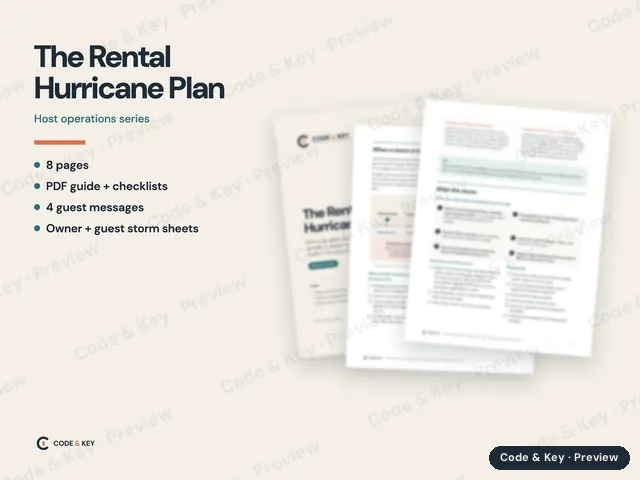
The Rental Hurricane Plan
What to do before the season, when a storm is coming, and after it passes, for hosts and co-hosts in hurricane country. Checklists and guest messages included.
Previews are reduced and watermarked. Inner pages are blurred below the heading.
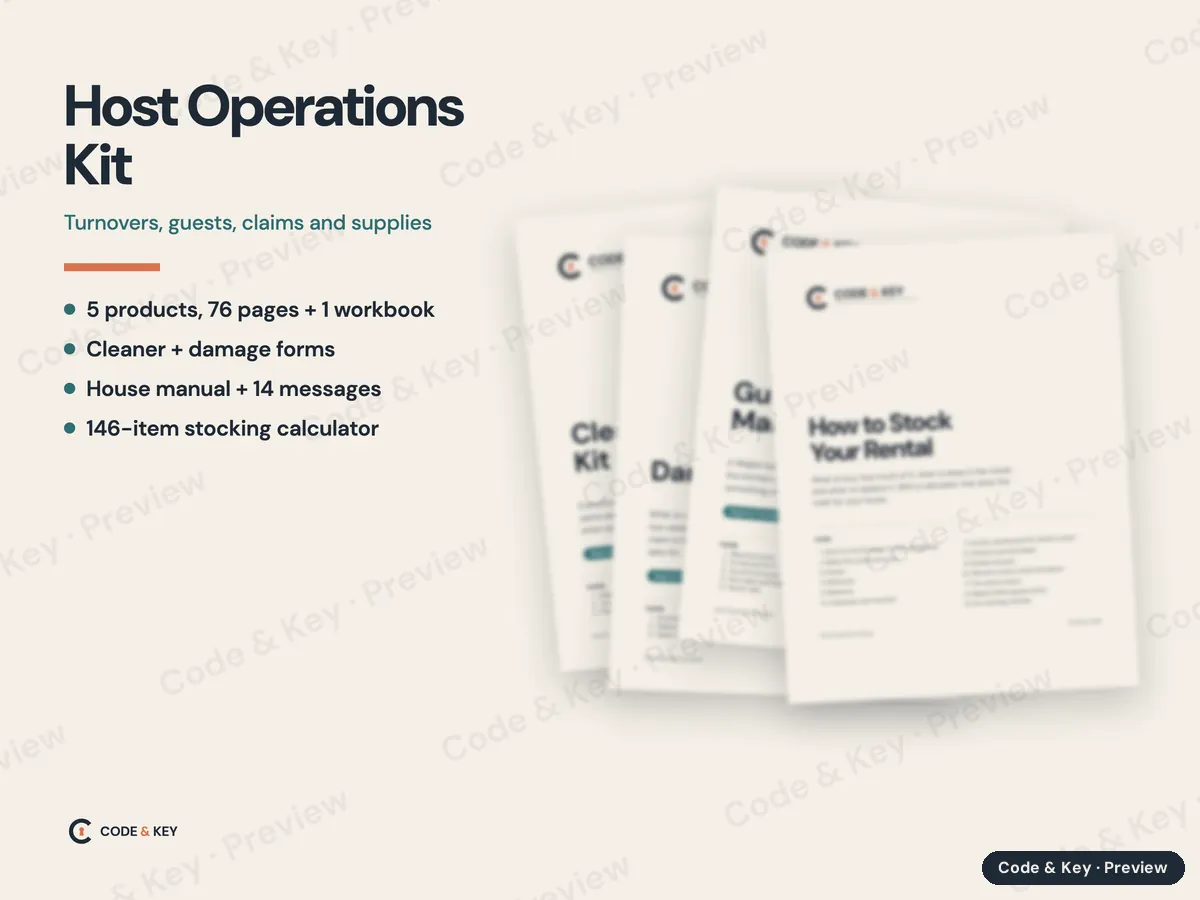
Turnovers, guests, claims and supplies
The day-to-day running of a rental: the turnover your cleaner follows, the house manual, the messages that send themselves, what to stock, and what to do when a guest breaks something.
$55
Bought separately $88. You save $33.
Secure checkout by Stripe. Sales tax added at checkout. Instant download.
Questions first? Read the FAQ or email us.
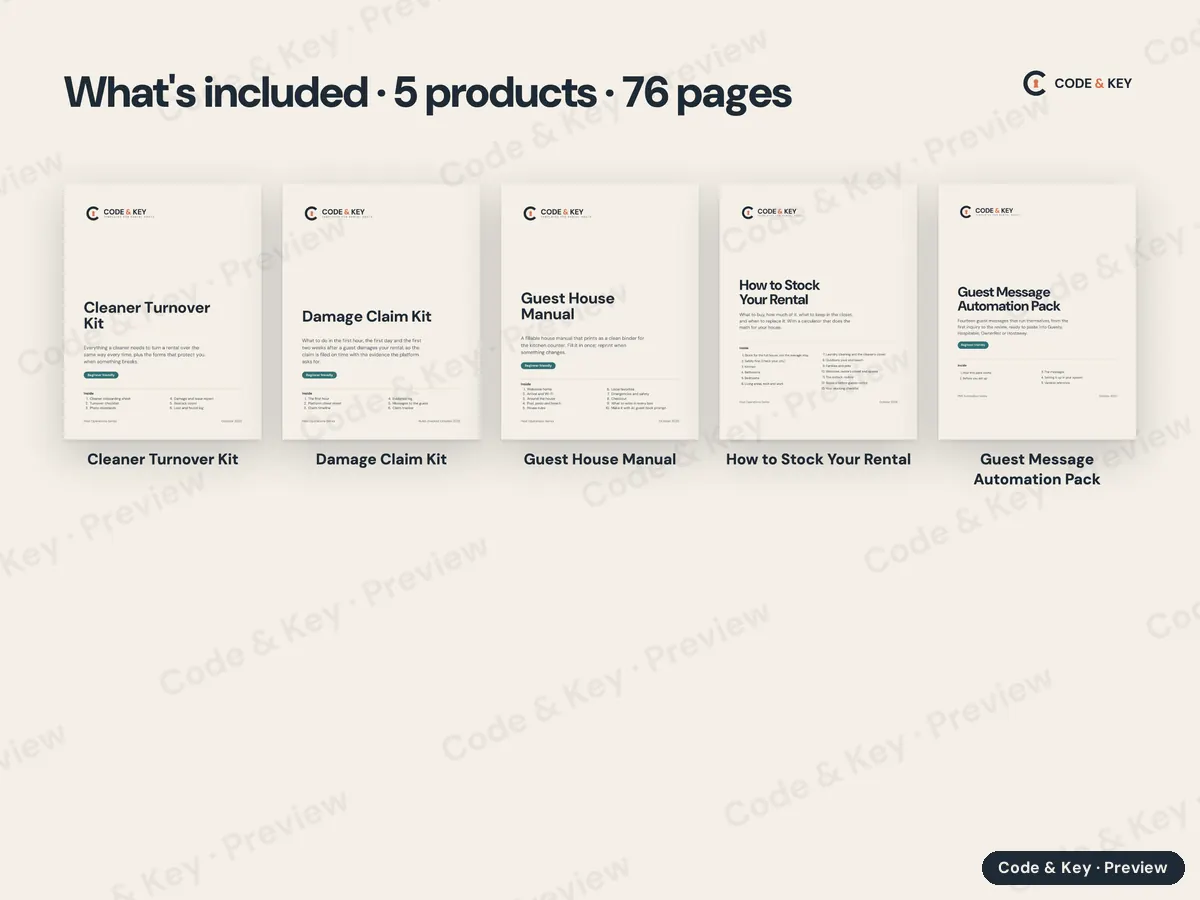
5 products in one order, every file on one download page. Each keeps its own pages, dates and instructions.
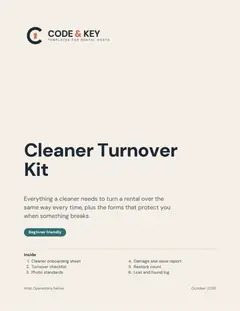 Cleaner Turnover KitFillable PDF · 11 pages
About an hour to fill in for your property, then it's the cleaner's checklist every turnover.
$14
Cleaner Turnover KitFillable PDF · 11 pages
About an hour to fill in for your property, then it's the cleaner's checklist every turnover.
$14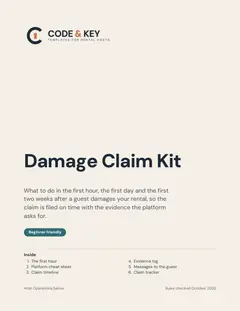 Damage Claim KitFillable PDF · 9 pages
About 15 minutes to read before your first claim; then fill it in as the claim goes.
$14
Damage Claim KitFillable PDF · 9 pages
About 15 minutes to read before your first claim; then fill it in as the claim goes.
$14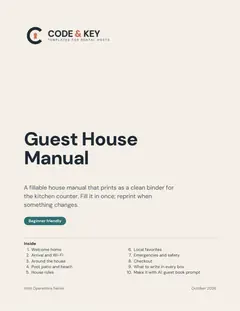 Guest House ManualFillable PDF · 22 pages
One to two hours to fill in, then print and put it in a binder.
$12
Guest House ManualFillable PDF · 22 pages
One to two hours to fill in, then print and put it in a binder.
$12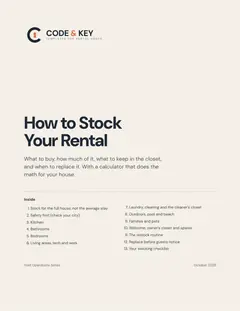 How to Stock Your Rental2 PDFs · 21 pages
About 30 minutes to read the guide, then 20 minutes to enter your house and get the shopping list.
$24
How to Stock Your Rental2 PDFs · 21 pages
About 30 minutes to read the guide, then 20 minutes to enter your house and get the shopping list.
$24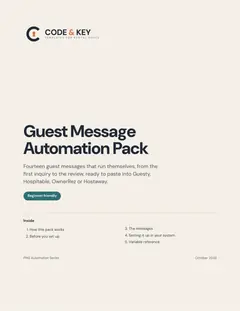 Guest Message Automation PackPDF guide + text files · 13 pages
About an hour to paste the messages and set the triggers in your system.
$24
Guest Message Automation PackPDF guide + text files · 13 pages
About an hour to paste the messages and set the triggers in your system.
$24Bought separately$88Bundle$55You save$33
More answers on the FAQ, or write to codeandkeyco@gmail.com.
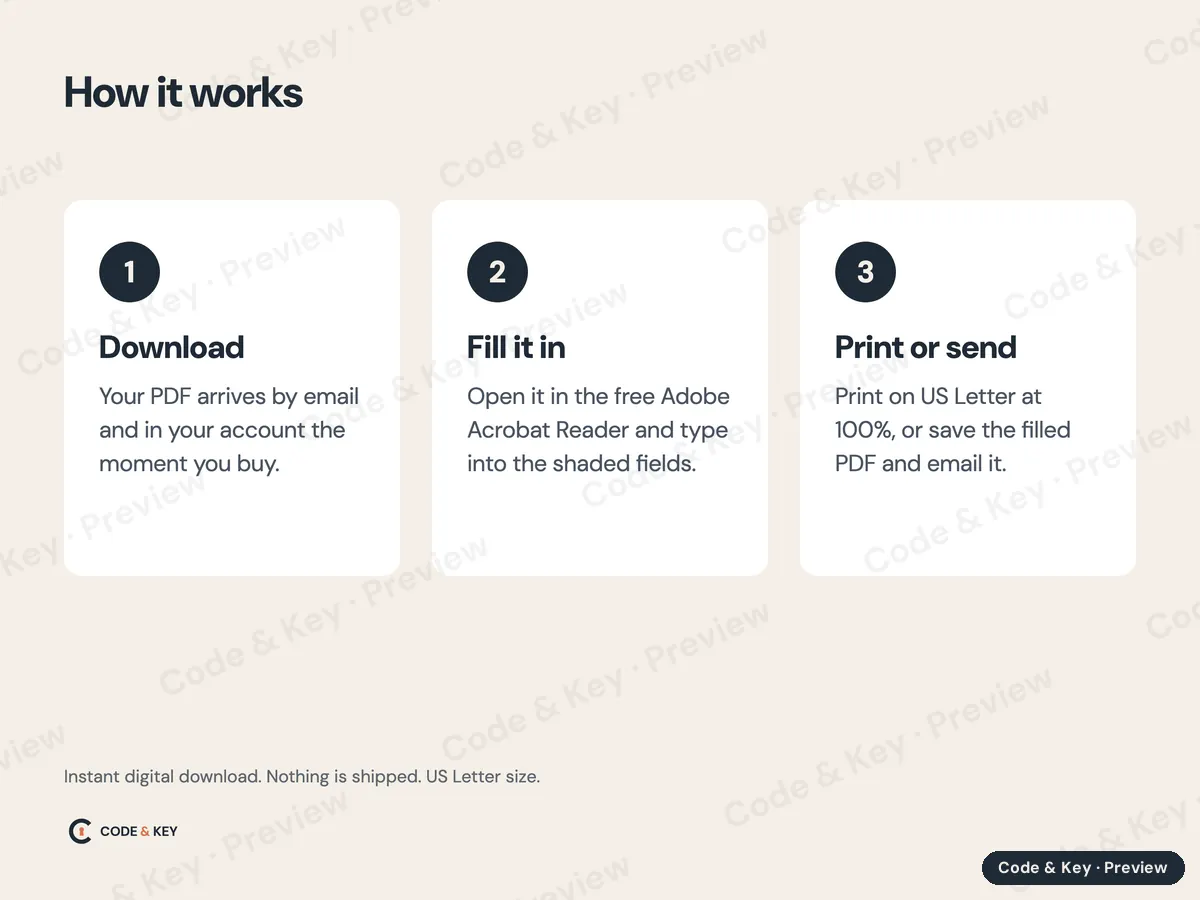
The workbook comes as an Excel file (.xlsx), with a beginner How to Use It guide (PDF) in the same download. To use it in Google Sheets instead:
Formulas, dropdown lists, colors and the yellow input cells carry over. Excel's sheet protection may not: if the formula cells aren't locked in your copy, type only in the yellow cells, or lock the rest with Data, then Protect sheets and ranges. The workbook's Start Here tab has the same directions.
What to do before the season, when a storm is coming, and after it passes, for hosts and co-hosts in hurricane country. Checklists and guest messages included.
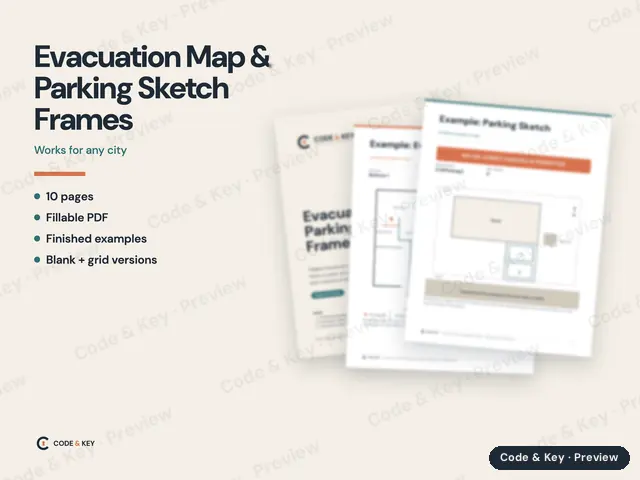
Fillable frames for the two drawings most cities ask hosts to post: an evacuation map in every bedroom and a sketch of where guests may park.
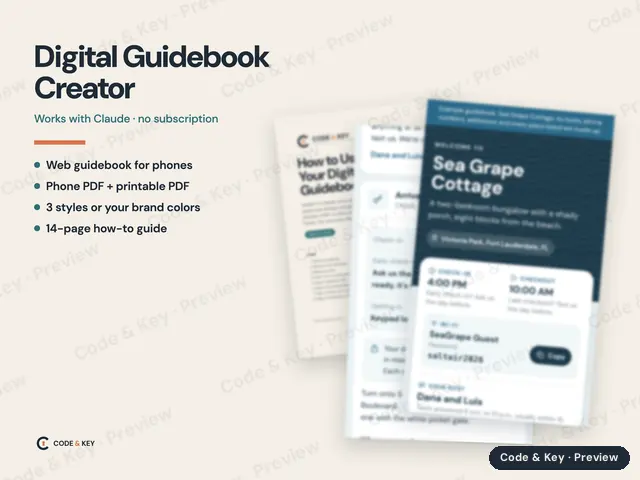
A digital guest guidebook without the monthly fee. Add this skill to your own Claude, answer a few questions or paste your listing, and get a phone guidebook, PDFs and a printed copy. You own every file.