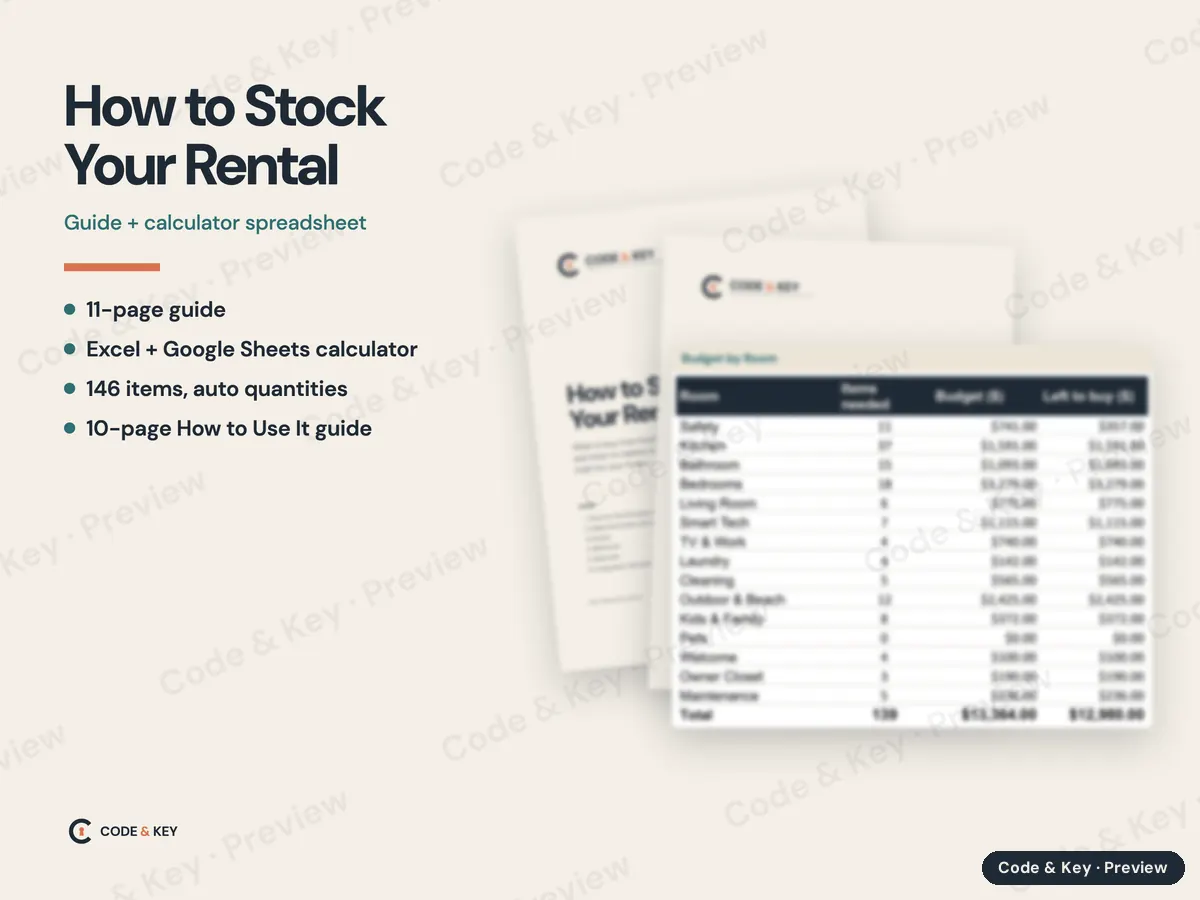
An 11-page guide, room by room, starting from your maximum guest count, including families and pets
A calculator spreadsheet for Excel and Google Sheets: 146 items in 15 rooms, quantities worked out for your house
Yes/No questions for pool, beach, kids, gas, pets, patio, grill and washer, so it only lists what applies
Typical prices filled in, a column for your own prices, and a Budget by Room tab
A restock tab with par levels and a REORDER flag for 33 consumables, and a replacement schedule
Rental Stocking Calculator - How to Use It: a 10-page beginner guide (PDF), Mac, Windows and Google Sheets
Pairs with The Host Supply List, our free page of the items themselves, room by room
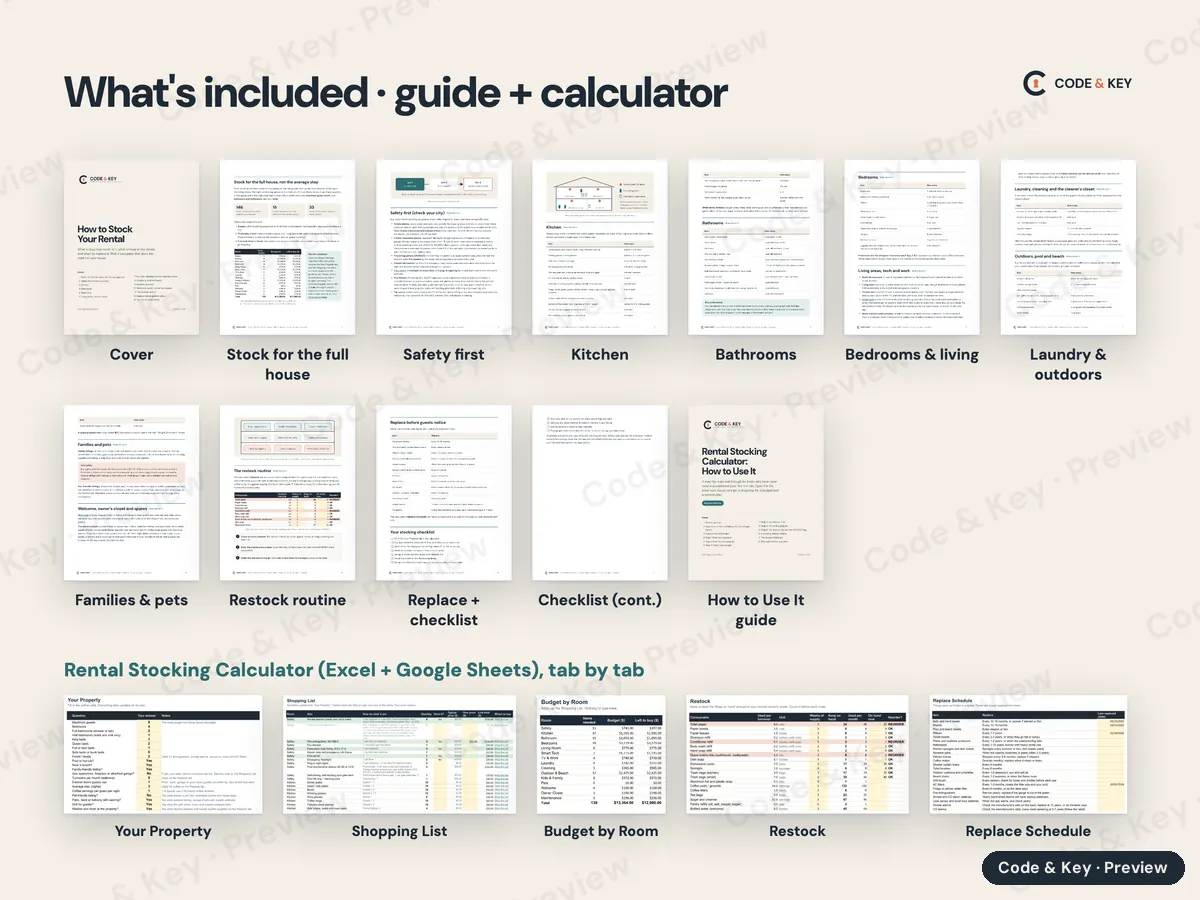
Every page
Cover
Stock for the full house
Safety first
Kitchen
Bathrooms
Bedrooms & living
Laundry & outdoors
Families & pets
Restock routine
Replace + checklist
Checklist (cont.)
How to Use It guide
Your Property
Shopping List
Budget by Room
Restock
Replace Schedule
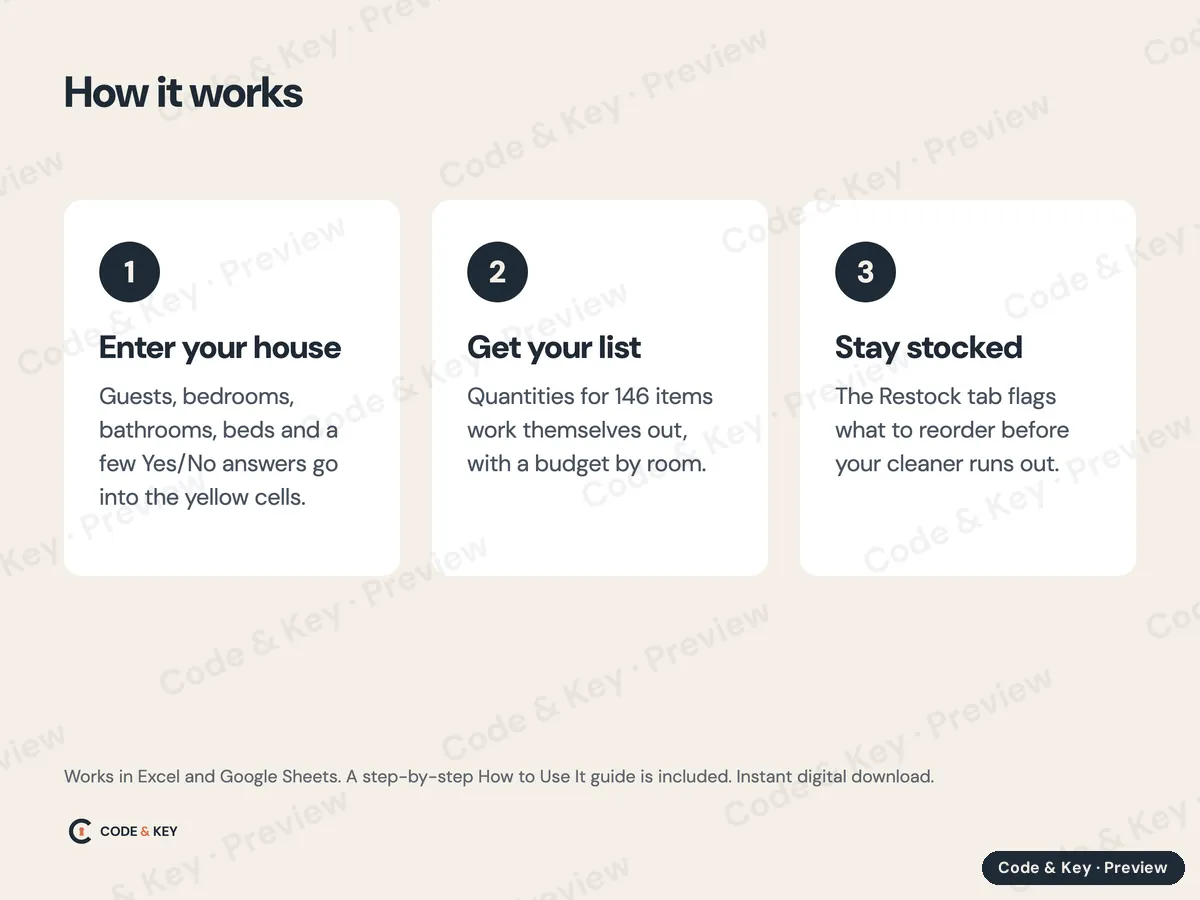
How it works
Enter your houseGuests, bedrooms, bathrooms, beds and a few Yes/No answers go into the yellow cells.
Get your listQuantities for 146 items work themselves out, with a budget by room.
Stay stockedThe Restock tab flags what to reorder before your cleaner runs out.
What to expect
What you get
2 PDF guides + calculator spreadsheet, 21 pages. Licensed for one property; please don't share or resell the files.
How you receive it
Instant download. Your links appear on the order page the moment you pay and arrive by email. Each link works for 72 hours and 5 downloads, and Resend my downloads emails fresh links to your purchase address any time. Nothing ships.
What you need
Any PDF reader on a computer, tablet or phone.
Microsoft Excel (Windows or Mac) or Google Sheets, which is free. The How to Use It guide in the download walks you through it, and directions for Google Sheets are below.
How long it takes
About 30 minutes to read the guide, then 20 minutes to enter your house and get the shopping list.
Who it's for
Hosts setting up a new rental, or restocking one that keeps running out.
Not for
Hosts who only need a few replacement items.
Kept current
Last updated October 2026. When a rule, price or menu changes, we update the file.
Refunds
If a file is wrong or won't work, we fix it or refund you. Bought the wrong one and haven't downloaded it? Ask within 14 days. Refund policy.
The workbook comes as an Excel file (.xlsx), with a beginner How to Use It guide (PDF) in the same download. To use it in Google Sheets instead:
Upload the .xlsx file to Google Drive (drive.google.com, then New, then File upload).
Double-click it in Drive and choose Open with, then Google Sheets. Or, in Google Sheets, use File, then Import, then Upload.
Choose File, then Save as Google Sheets. That makes an editable Google copy. Work in the copy, not the uploaded .xlsx.
Formulas, dropdown lists, colors and the yellow input cells carry over. Excel's sheet protection may not: if the formula cells aren't locked in your copy, type only in the yellow cells, or lock the rest with Data, then Protect sheets and ranges. The workbook's Start Here tab has the same directions.
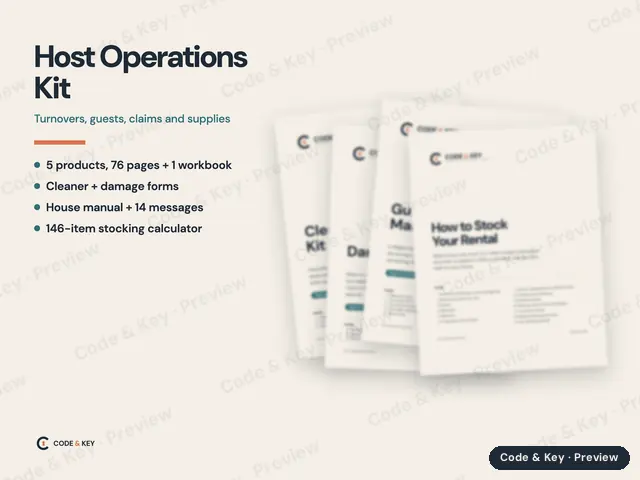
The day-to-day running of a rental: the turnover your cleaner follows, the house manual, the messages that send themselves, what to stock, and what to do when a guest breaks something.
Every Code & Key product in one download: all three city packs, the Florida kits, the co-host business set, the host operations kits, both Claude guides and the stocking guide with its calculator.
What to do before the season, when a storm is coming, and after it passes, for hosts and co-hosts in hurricane country. Checklists and guest messages included.